Touch instead of a mouse
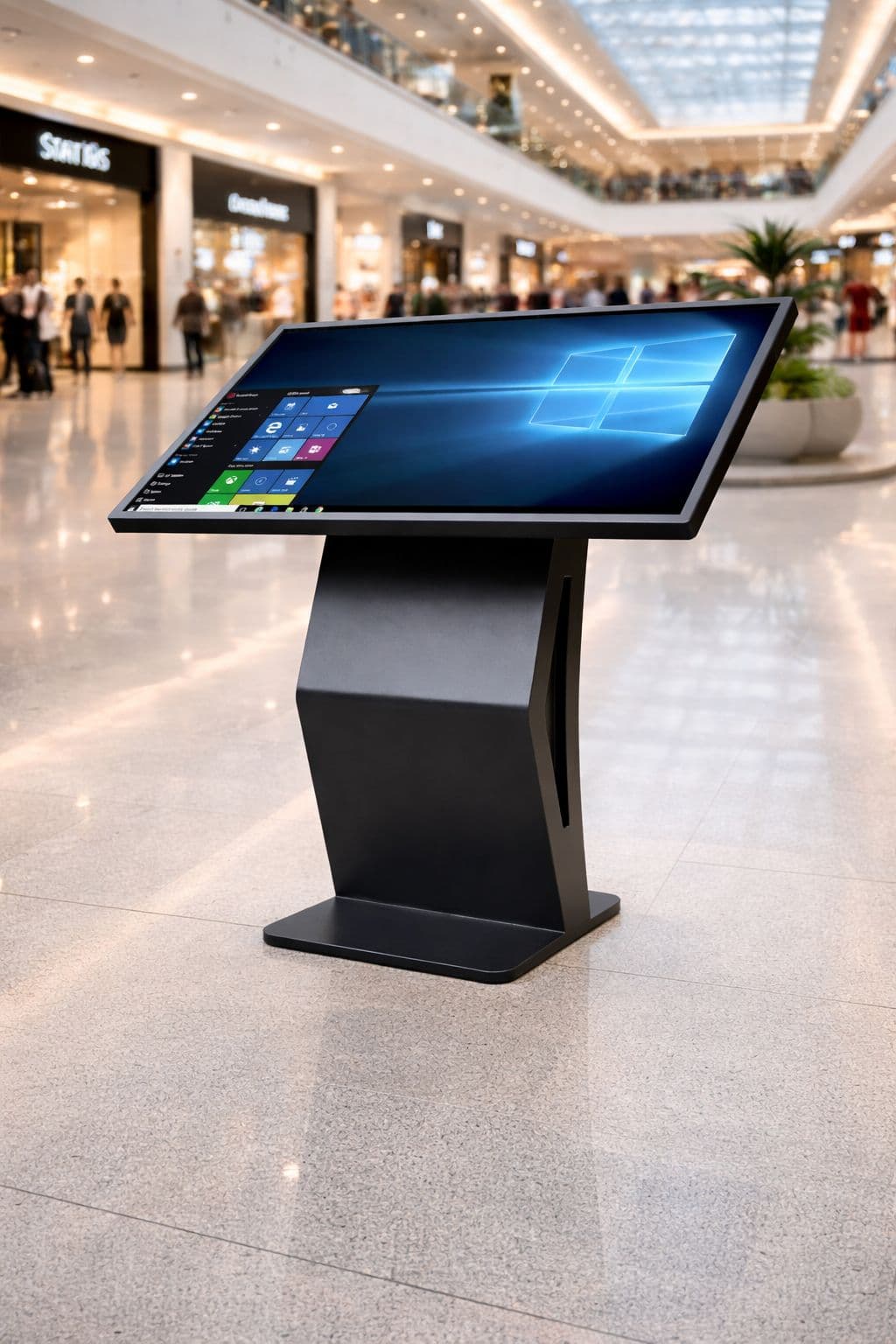
The interface needs to work naturally with a finger. Touch targets, spacing, and feedback after a press become much more important than on a traditional desktop website.
Touch kiosk · Physical UX · Interactive software
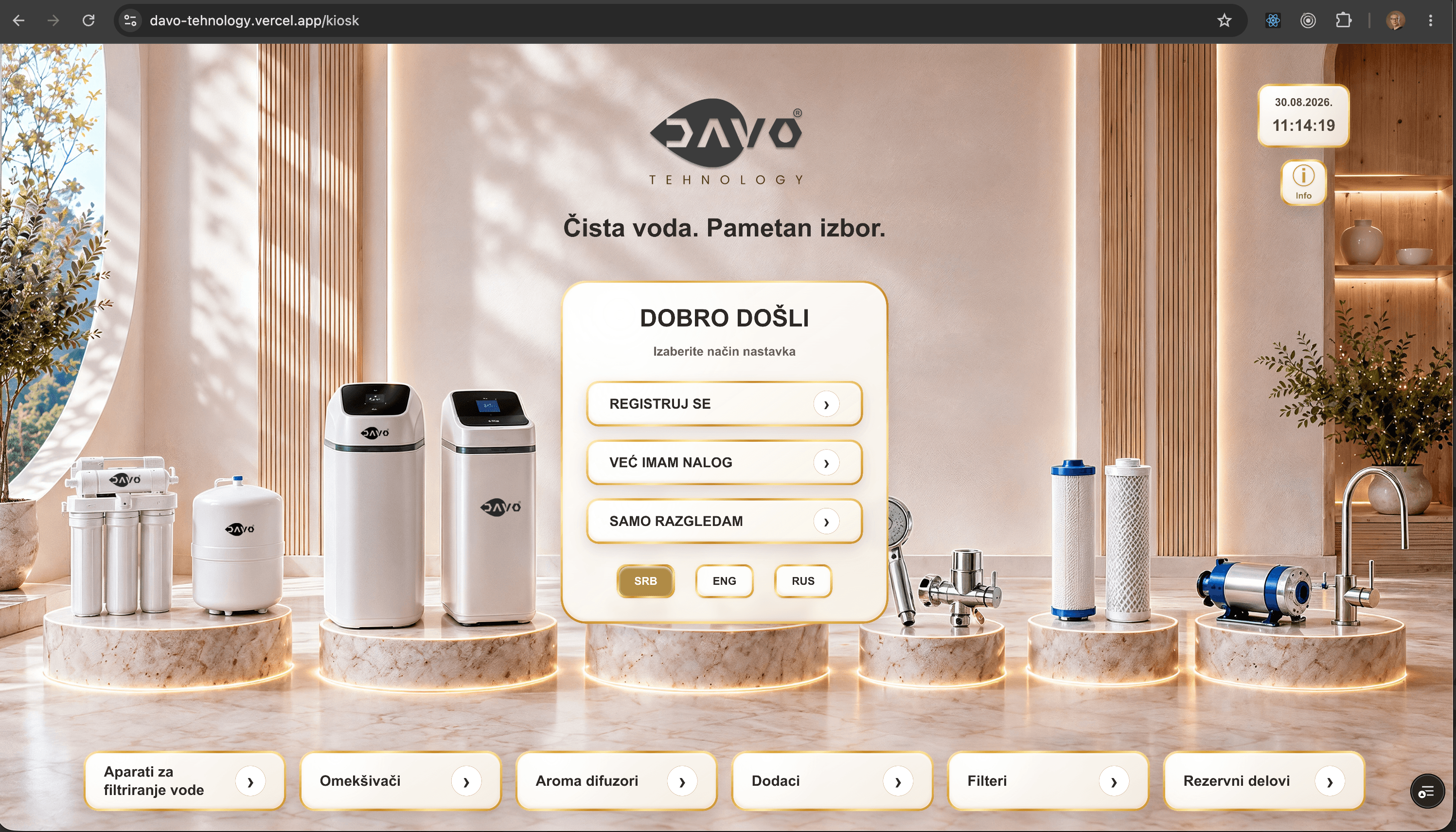
DAVO Technology requires a different way of thinking from a traditional website. The user is standing in front of a physical device, interacting by touch, and expecting every next step to be immediately understandable.
Next.js · Touch UX · Multilingual · Product discovery
Context
An application can technically run perfectly well in a browser and still be poor kiosk software.
A touch device changes the way users read the screen, interact with controls, and make decisions. A button that feels completely normal with a mouse can be too small or unclear when used with a finger.
DAVO is therefore not simply a responsive website displayed on a large screen. The interface is designed around a specific physical way of using the product.
UX challenges
The interface needs to work naturally with a finger. Touch targets, spacing, and feedback after a press become much more important than on a traditional desktop website.
There is little tolerance for complicated navigation. The next step needs to be clear without instructions or a learning curve.
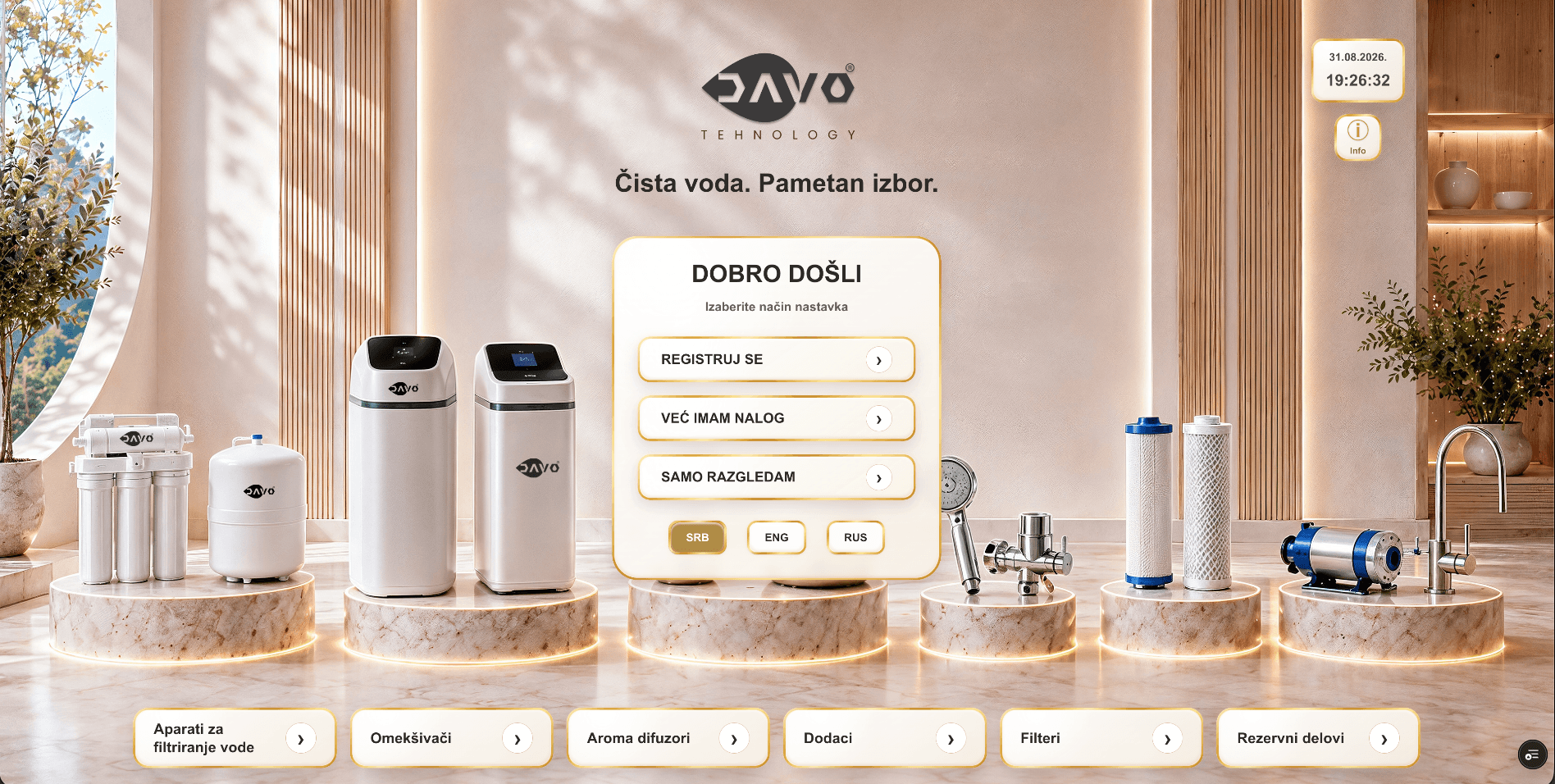
The kiosk supports SRB, ENG, and RUS, and the selected language needs to follow the user throughout the entire flow.
Some people only want to browse, some sign in, some create an account, and others want product information sent directly to their email.
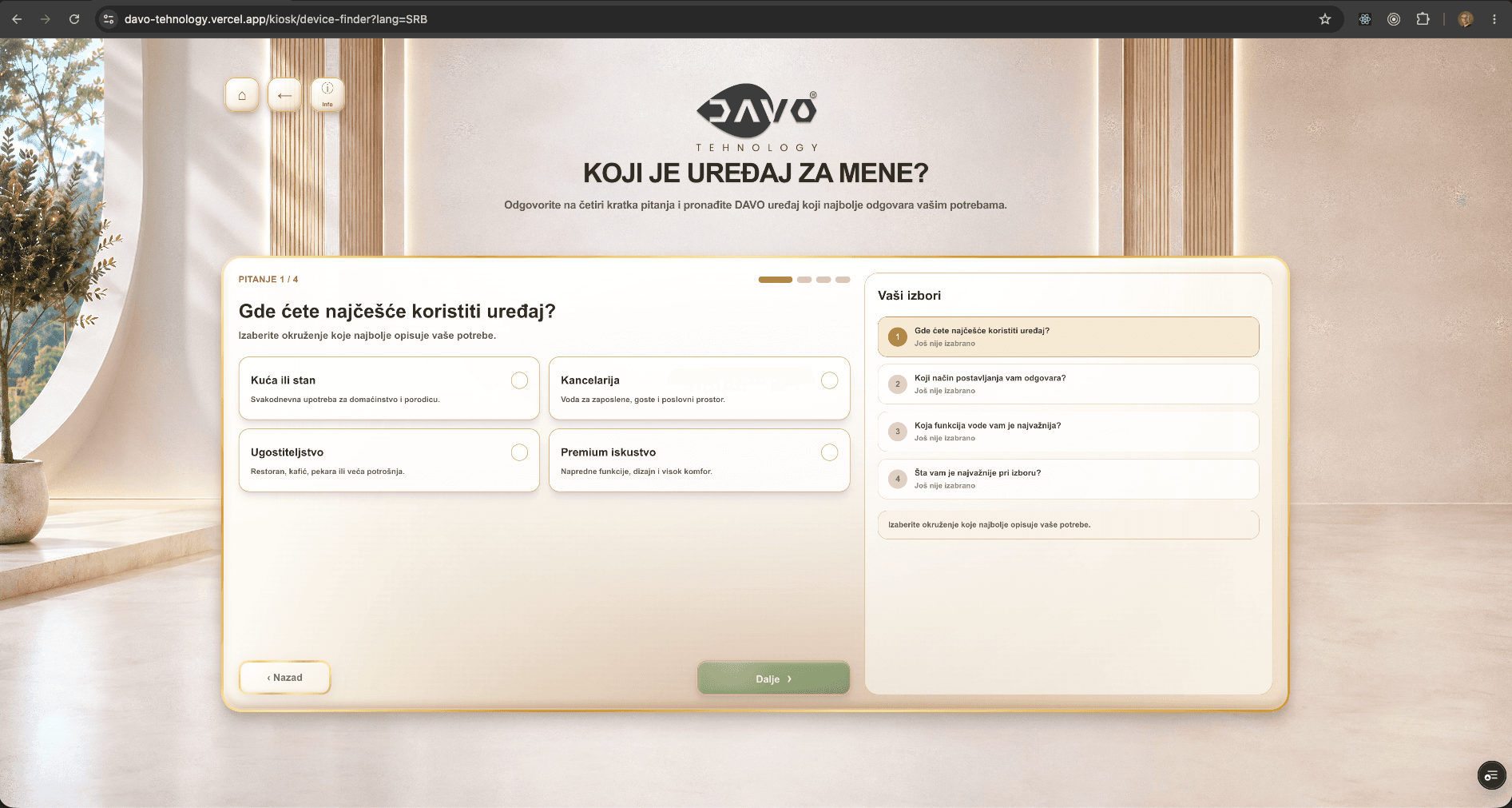
The system needs to help users move from a large number of products toward the device that is relevant to their situation.
The software does not exist in isolation. It needs to work together with the physical kiosk, the screen, and the environment in which the device is used.
First interaction
The entry screen offers three clear paths: registration, sign in, or browsing products without an account.
Signed-in users can receive product information directly by email, but product discovery does not need to begin with a long form.
Product discovery
Once the product range becomes larger, endless scrolling is not enough. The system needs tools that guide users toward a more relevant choice.
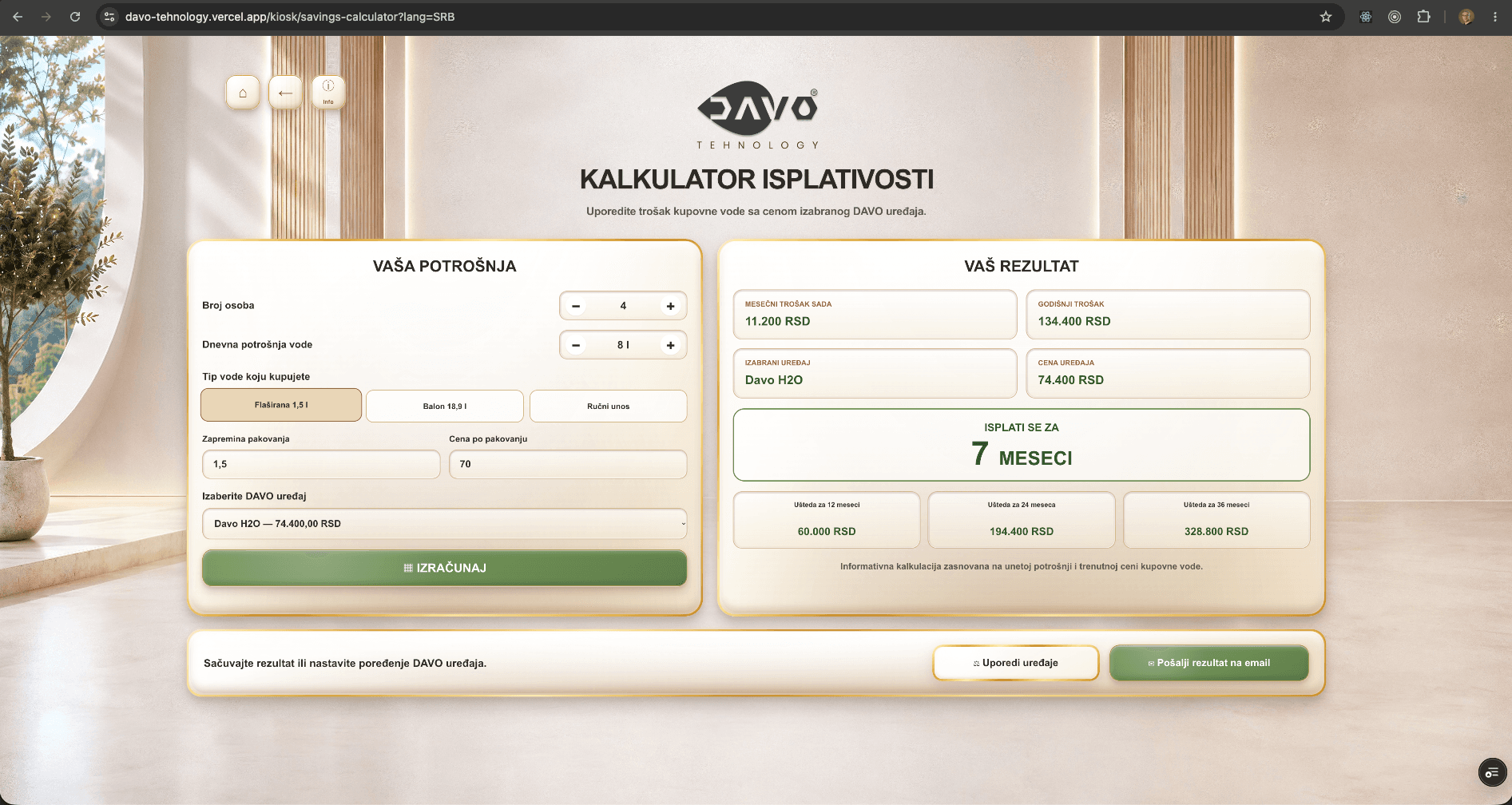
Savings Calculator
The Savings Calculator turns a technical product offer into a much more concrete question: what impact could this product have in the user's own situation?
Kiosk workflow
Initial choice: registration, sign in, or browsing without an account
Multilingual routing and content in SRB / ENG / RUS
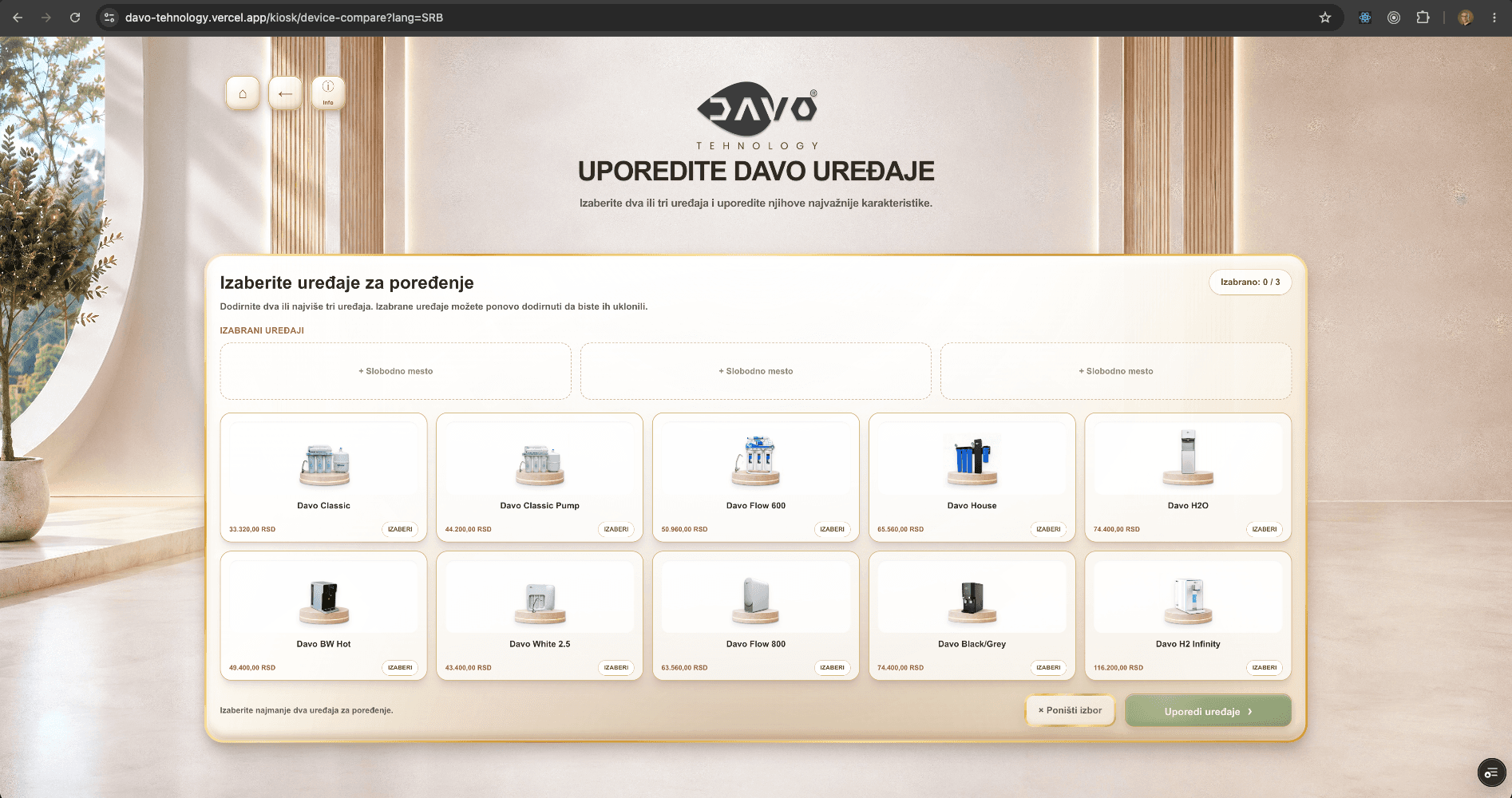
Browsing and selecting water-device products
Device Finder for guided product selection
Device comparison
Savings Calculator
Advisory flows for home and business solutions
Contact and request submission to the DAVO team
Touch feedback
On a physical device there is no mouse hover state that signals an interaction before the user presses.
Active controls therefore use brief touch feedback to confirm the action without aggressive animation or slowing down the flow.
What this project demonstrates
TOUCH
DAVO is a good example of why development is not simply a question of choosing a framework. The application needs to understand the device, the physical environment, user behaviour, and the business purpose of the kiosk itself.
The physical context changes UX priorities and affects how even the simplest controls are designed and tested.
Next case study
Developer Role Finder solves a completely different problem: how to organize a large volume of developer opportunities so users can find the ones that are actually relevant to them.
Developer Role Finder →